Archicad Sample Projects from Graphisoft are pre-designed so that users can download and explore them directly.
When first getting started with Archicad, many users find it challenging to understand how the software operates in real projects. To help with this, Graphisoft provides Sample Projects that allow users to explore, learn, and practice directly. These projects are an extremely valuable resource, helping you quickly get familiar with BIM workflow in real-world contexts, from model organization and drawing management to producing documentation.
Below is a collection of free sample projects released by Graphisoft.
S-Office | Office
This particular project is a medium-sized office designed with a unique and creative layout.
- Architect: Graphisoft SE
- Category: mid-scale commercial
- Location: Budapest, Hungary
- Floor area: 1872 m2 (20150 sqft)
- Phase: Design development
- Version: Archicad 27

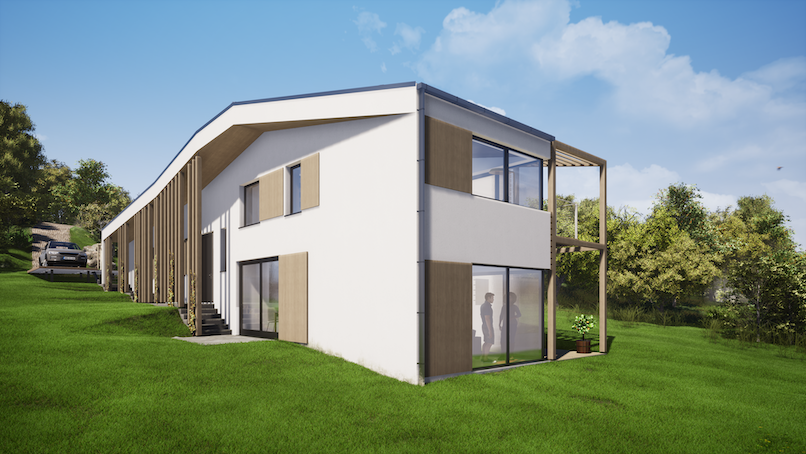
Hillside House | Residential
The project is a small scale house and can be downloaded for free from the Graphisoft homepage.
- Architect: Reload Architects
- Category: small-scale residential
- Location: Budaörs, Hungary
- Floor area: 224 m2 (2411 sqft)
- Phase: Under construction
- Version: Archicad 27
Stacked Tower | Residential
- Architect: Enzyme Apd, Hong Kong
- Category: high-rise residential
- Location: Sheung Wan, Hong Kong
- Floor area: 2546 m2 (27405 sqft)
- Phase: schematic design
- Version: Archicad 27

Villa Patio | Residential
- Architect: Enzyme Apd, Hong Kong
- Category: small-scale residential
- Location: Bandung, Indonesia
- Floor area: 420 m2 (4520 sqft)
- Phase: under construction
- Version: Archicad 27
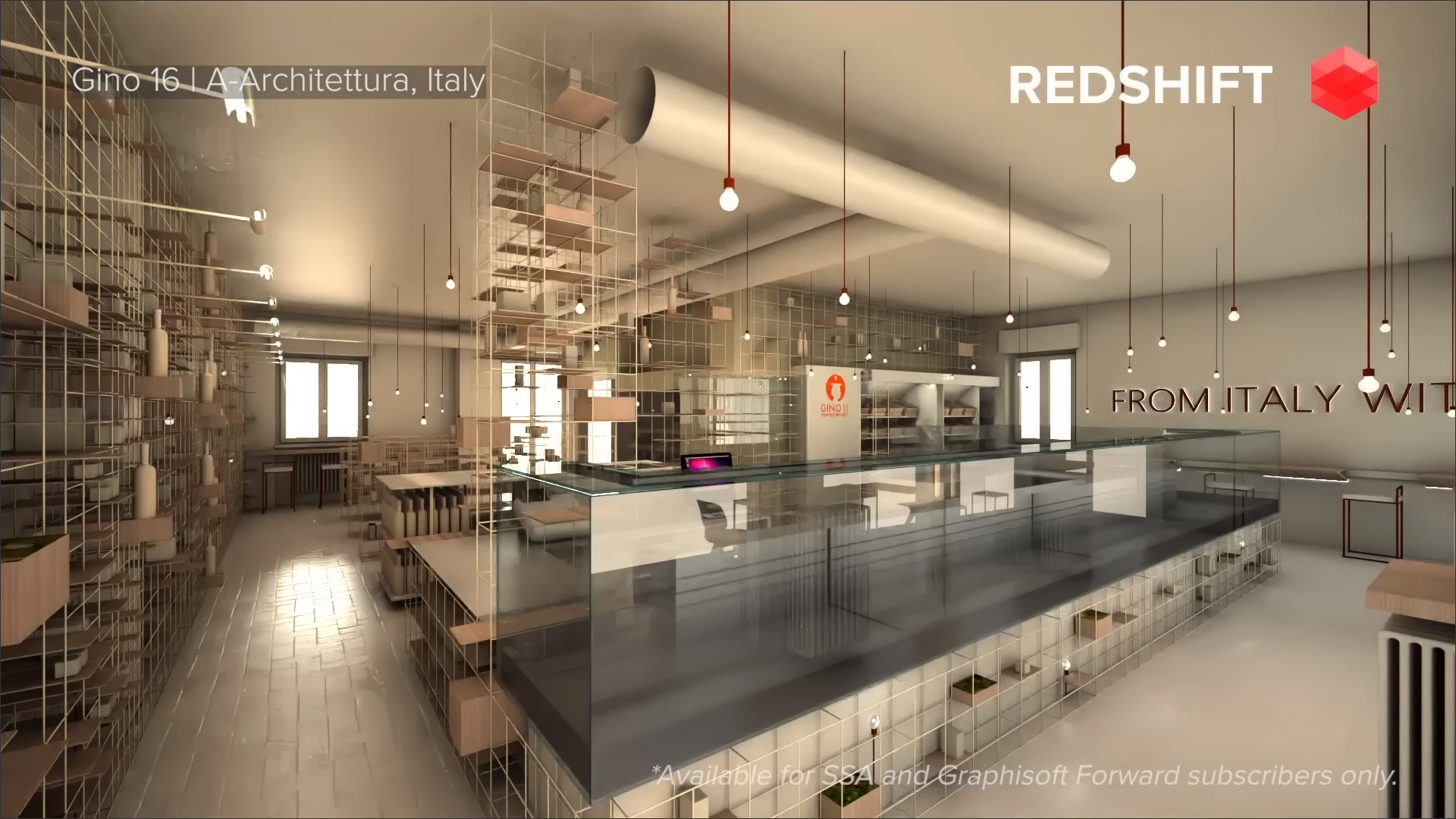
Gino 16 | Commercial, interior design
- Architect: A-Architettura, Italy
- Category: small-scale commercial, interior design project
- Location: Rimini, Italy
- Floor area: 157 m2 (1694 sqft)
- Phase: design development
- Version: Archicad 25
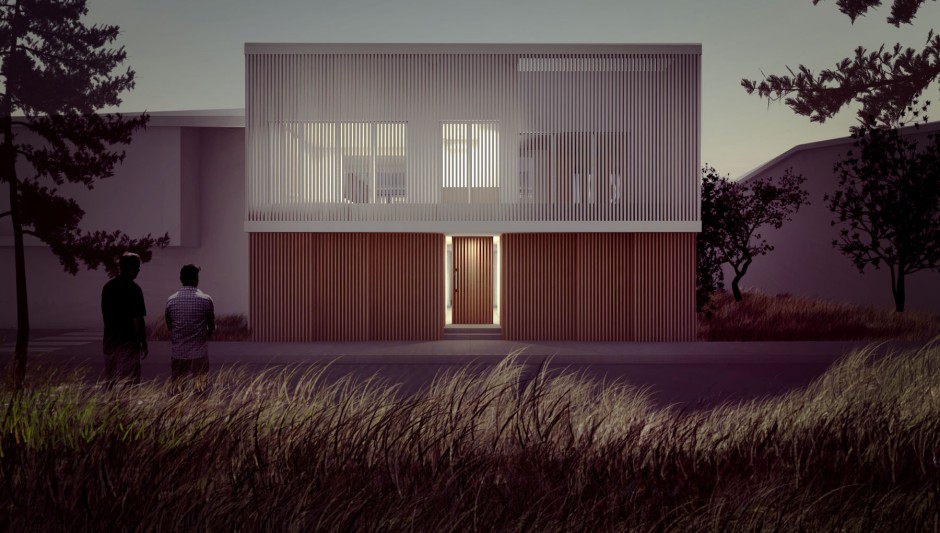
M2V House | Residential
- Architect: A-Architettura, Italy
- Category: small-scale residential, interior design project
- Location: San Marino
- Floor area: 224 m2 (2411 sqft)
- Phase: construction documentation
- Version: Archicad 25

How to Open the Project File
Download the project file from the link above and choose the version that matches your Archicad version.
Open the downloaded .PLA file.
In the dialog box that appears, select “Read elements directly from archive.”
Explore the project by browsing different views in the Navigator panel.
» Getting Familiar with the Archicad Interface
What’s Inside?
- 3D Models
- Overall Floor Plans
- Floor Plans by Level
- Elevations & Sections
- Schedules
- Details
- 3D Documents
- Rendered Images via Twinmotion
- Layouts for project presentation
Exploring and practicing with Graphisoft’s sample projects is the fastest way to master Archicad and BIM workflow in real-world scenarios. Whether you are a beginner or an experienced user, these files will help you learn useful tips, organize projects efficiently, and enhance your design skills. Download, open, and start exploring today!
Additionally, you can check out other guides and tutorials on our website to further improve your design and project management skills.
Note: The sample projects mentioned in this article are provided by Graphisoft. Please use them in accordance with Graphisoft’s copyright rules. This article is for reference and guidance only, and does not copy or redistribute the files illegally.