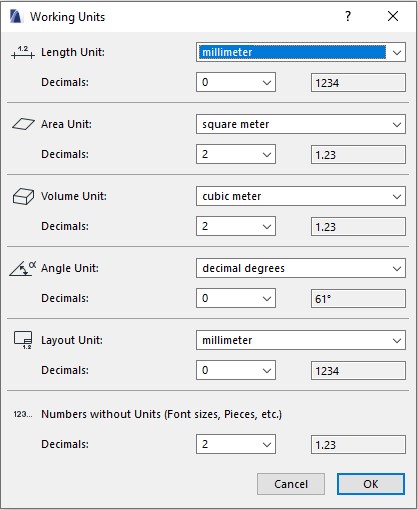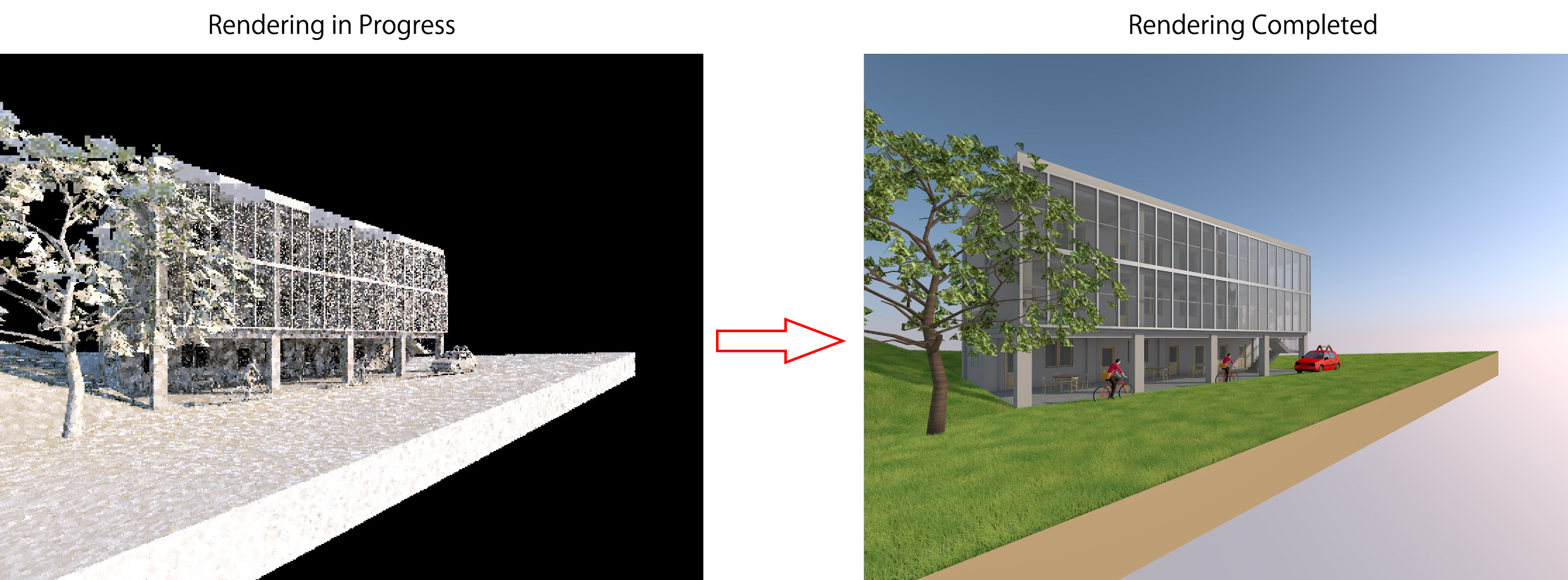
Introduction to Archicad Archicad is a professional BIM (Building Information Modeling) software used by architects, engineers and design consultants.Its biggest advantage is the ability to work with both 2D drawings and 3D models in a single platform, which helps users manage project information effectively and reduce errors during the design process. Unlike traditional CAD software […]
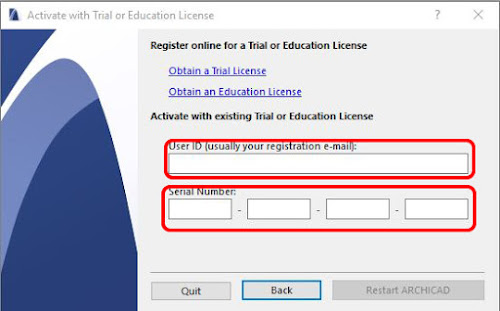
01If you want to use Archicad legally for free, students and learners can apply for a Student License directly on Graphisoft’s official website. This license is valid for 12 months and can be renewed when it expires.Below is a step-by-step guide to help you get your Serial Number and activate Archicad in the fastest and […]

Start Archicad and create a New Project Step 1:Do one of the following: Click New from the Start Archicad dialog Use File > New > New from a running Archicad Step 2: From the appearing dialog, choose a template from the list, or browse for a different template file. Step 3: Chọn môi trường làm việc Work Environment Profile cho […]
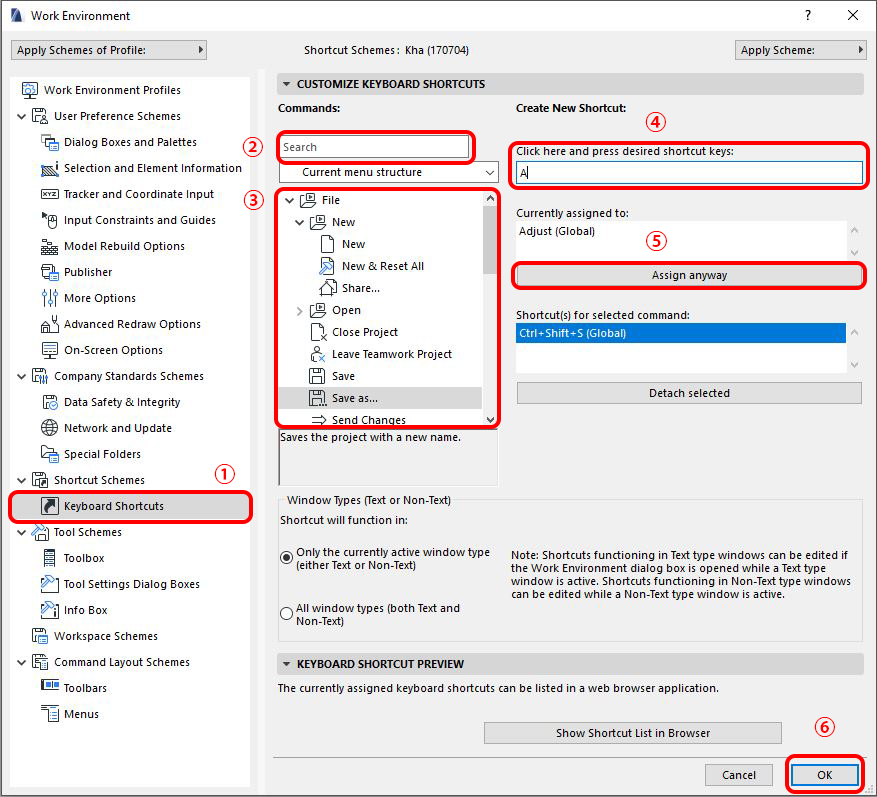
When working in Archicad, every second counts. If you rely only on manual menu clicks, you’ll waste time on repetitive steps. But with a few Archicad shortcuts, you can work twice as fast. Personally, I treat them like my “secret weapon” in daily design tasks—and you can too. Let’s go through the most basic Archicad […]
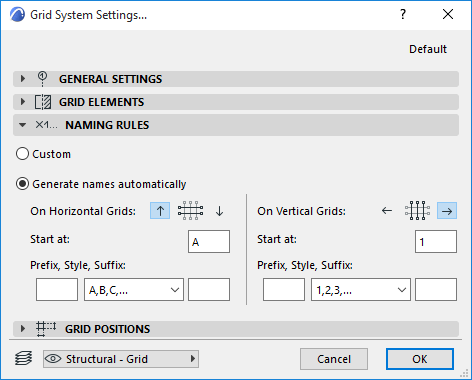
In Archicad, there are 2 ways to create a Grid for a project. Method 1: Using Grid System Open the Grid System settings panel via Design > Grid System. Grid System General Settings Panel Here you can set up the basic configuration of the grid system: Geometry: Choose between a straight grid system or a […]
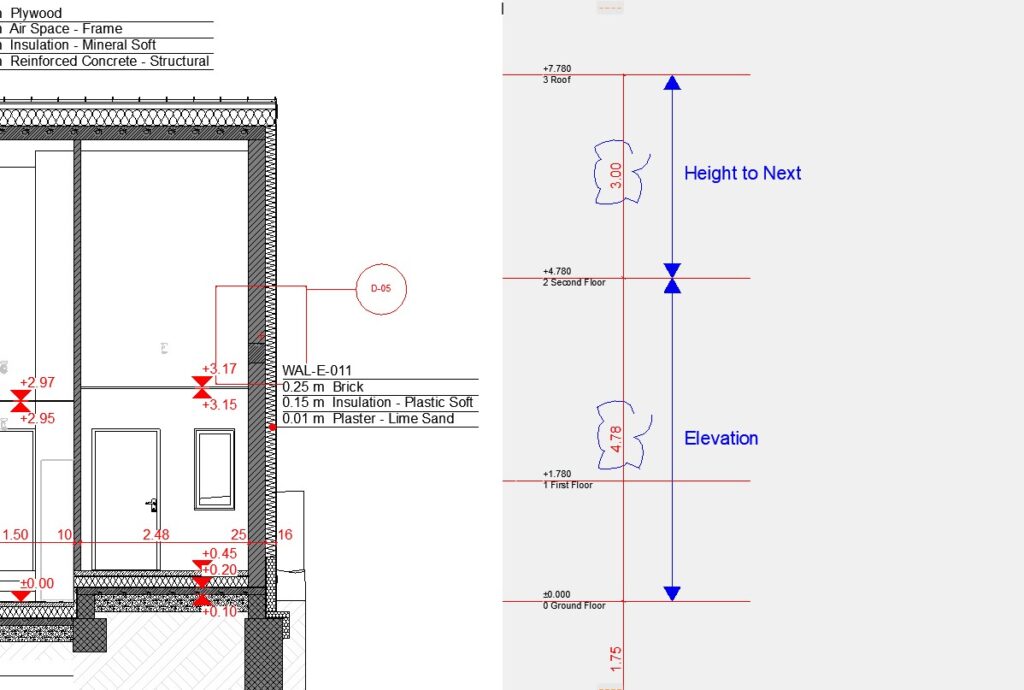
After setting up the project grid, the next step is to define the story heights for your building. » Lesson 6 – Create a Grid in Archicad Story Settings in Archicad To open the Story Settings dialog, go to Design > Story Settings… (or press the shortcut Ctrl + 7). In this dialog, you can […]