


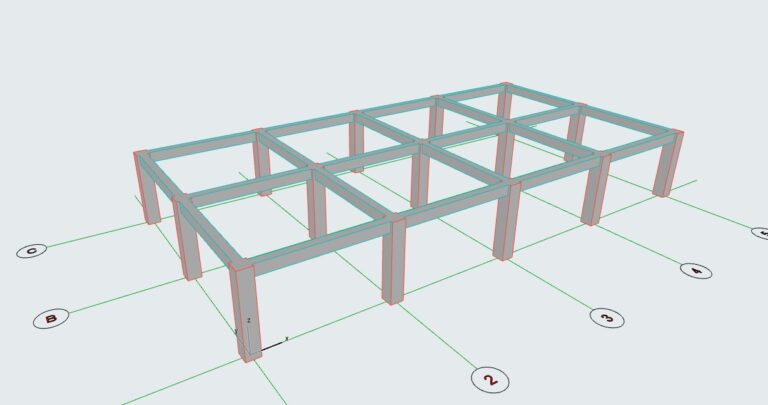
In the previous lesson, we learned how to model columns for the building. In this article, I’ll guide you through modeling beams to complete the structural frame of the building. …
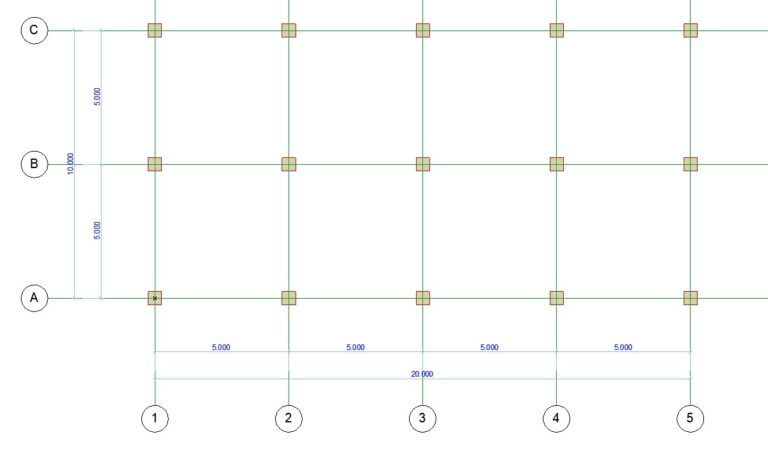
After setting up the initial configuration, including story heights and the grid system, the next step is to start modeling the building.We’ll begin by placing the columns. 1. Place Columns …
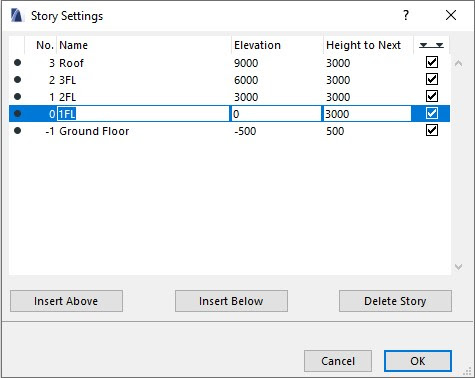
After importing the grid system in the previous lesson, the next important setup is Floor Level Settings.Here, you’ll define the number of stories, their heights, and how each level is …
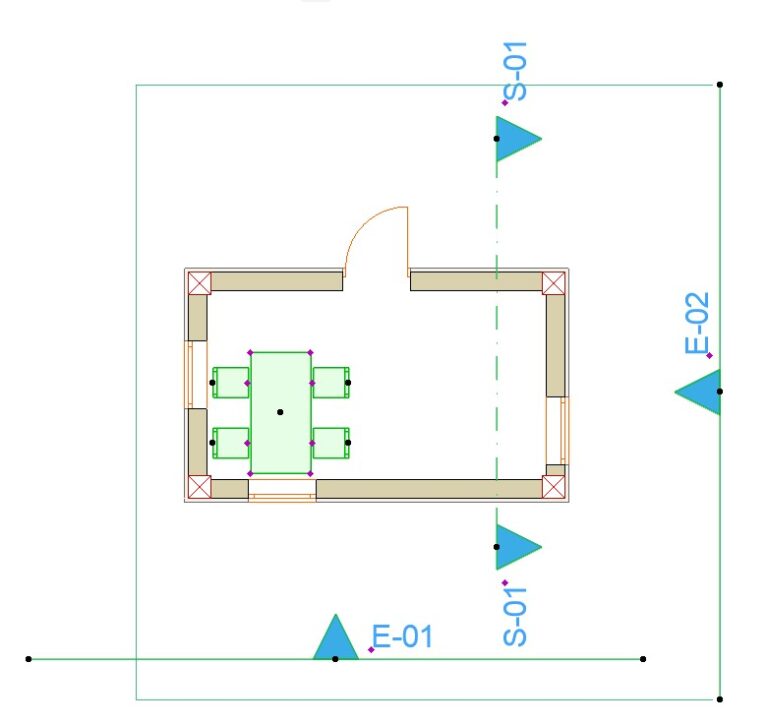
Quick Layers – a fast layer management palette in Archicad. In addition to the standard Layer Settings dialog (Options > Element Attributes > Layers), you may not know that Archicad …
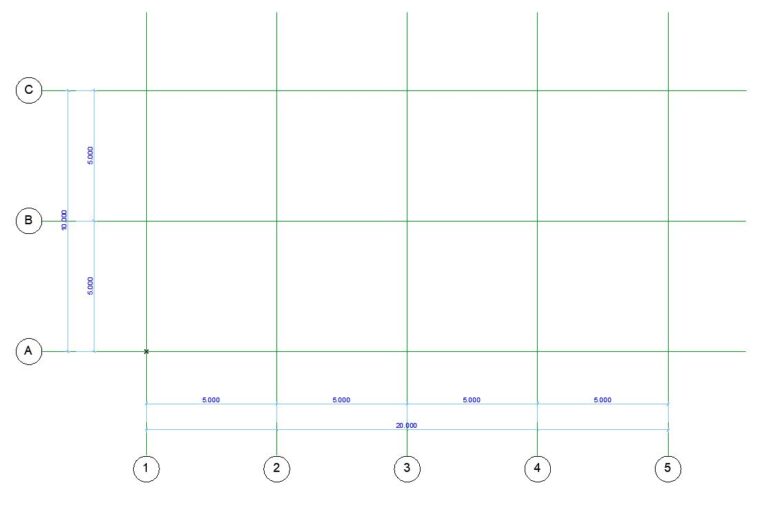
One of the very first settings you need to make when starting a new project is to set up the grid system for your building. There are two ways to …
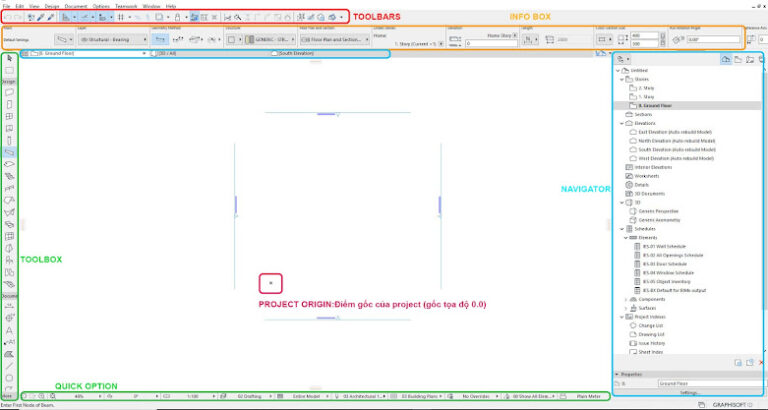
Archicad Interface When you start a new project, the default Archicad interface looks like this: TOOLBARS: This section displays the toolbars. By default, only the Standard Toolbar is visible, but …