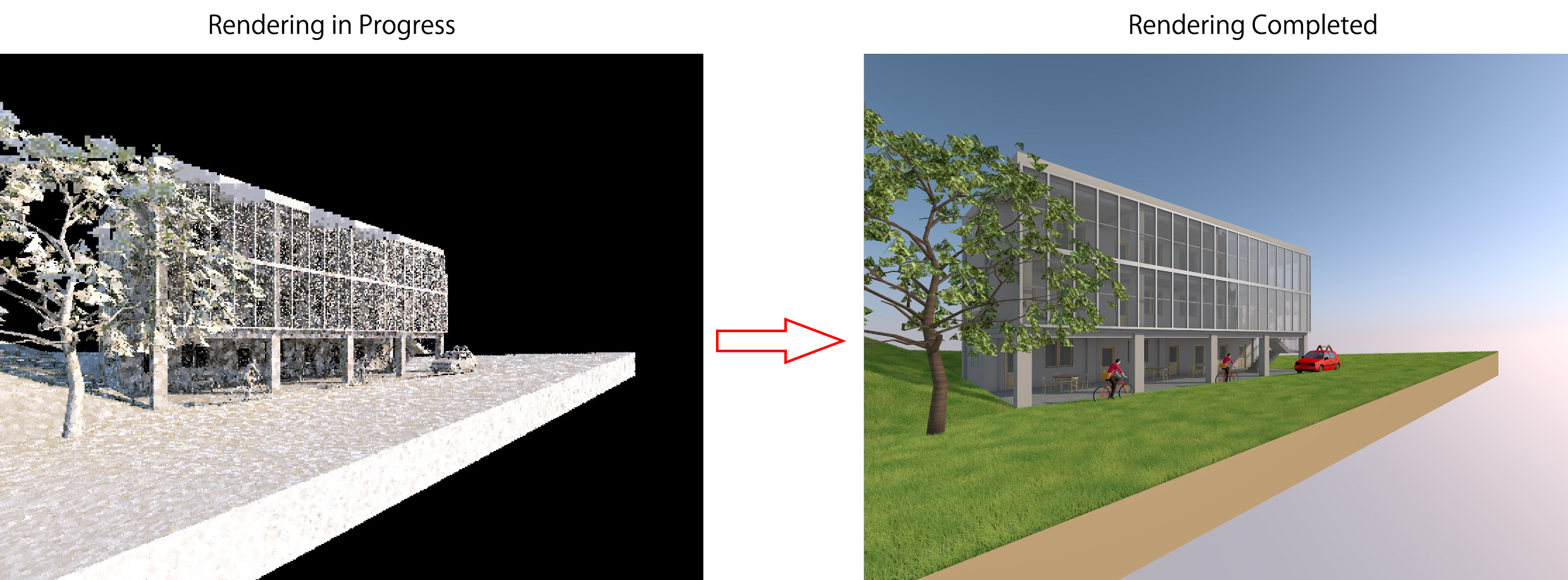
Rendering is a familiar term for those who have used other architectural software such as 3Ds Max, SketchUp, or Revit. Similar to other architectural software, Archicad also supports image rendering through a built-in tool called CineRender. From my personal experience, Archicad’s rendering quality is not as outstanding as 3Ds Max, but it is still acceptable to […]

DIMENSION The Dimension tool is extremely useful for automatically measuring distances, lengths, and angles. In the section view created in the previous lesson, select the Dimension tool from the Toolbox. How to place Dimensions Click on each Slab.The Dimension tool will automatically add two circular points to each slab. Double-click on any empty area to […]

Next in the Archicad basic tutorial series, I will guide you through creating section and elevation views of the building. CREATE SECTION VIEWS Select the Section Tool 1. Select the Section Tool On the 1st Floor plan view, select the Section tool from the Toolbox. 2. Draw the section line After selecting the Section tool, […]

After completing the building model and the surrounding terrain, we will add some objects, trees, and other elements to make the project more vivid. 1. Open the Object Tool In the 1FL floor plan view, double-click the Object icon on the Toolbox to open the Object Settings dialog. 2. Select an Object and set parameters […]

The Mesh Tool allows you to create terrain with points at different elevations. 1. Preparing the Working Story For terrain-related elements and the surrounding site area,I set the Home Story to GL (Ground Level) to make file management easier. Therefore, open the GL floor view to start working. 2. Opening the Mesh Tool Double-click the […]
Next, we will create a Parapet wall on the roof. A Parapet wall can be generally understood as a wall used to prevent water from flowing off the roof (as shown in the image below). Because this wall has a special shape, we cannot model it like a normal wall. Instead, we will use a […]